
Walk into almost any small or medium business in the UAE and ask for their email address. More often than not, you’ll get something that ends in @gmail.com, @yahoo.com, or @hotmail.com.
It’s understandable. When you start a business, free email is convenient. It works. Nobody questions it.
But here’s what free personal email is quietly doing to your business:
It’s telling every client, supplier, and partner that you haven’t invested in your own professional infrastructure. It’s mixing your personal and business communications in a single inbox you don’t fully control. And it’s leaving your business data sitting on a platform built for consumers — not companies.
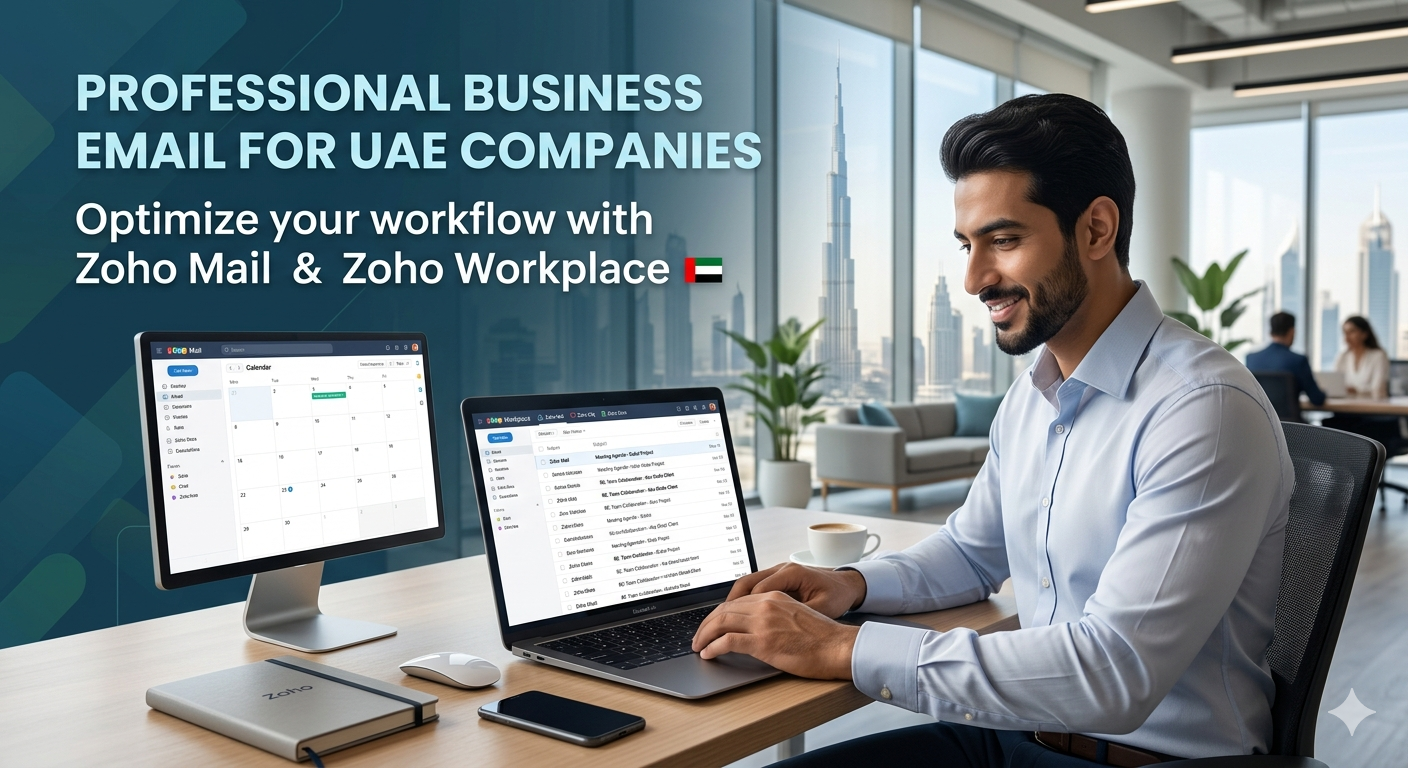
A professional business email address — [email protected] — is one of the simplest, most affordable upgrades any UAE business can make. And Zoho Mail and Zoho Workplace are how Tech Abrahams delivers it.
What Is Zoho Mail?
Zoho Mail is a professional, business-grade email hosting platform that gives every person in your company a custom email address on your own domain. So instead of [email protected], you get [email protected] — or whatever your domain is.
It is clean, fast, and built entirely for business. No advertisements. No scanning of your emails to serve you ads. No mixing of personal and professional inboxes.
Zoho is one of the world’s largest business software companies — used by over 100 million users globally — and their email platform is trusted by businesses from solo freelancers to enterprise organisations with thousands of staff.
For UAE businesses, Zoho Mail ticks every box:
- Your own domain — [email protected] for every staff member
- Ad-free — no advertisements anywhere in the interface
- Hosted email with full spam filtering, antivirus scanning, and phishing protection
- Works on every device — desktop webmail, Outlook, Apple Mail, Android, iPhone
- IMAP and POP3 support — connect any email client you prefer
- 99.9% uptime SLA — your email stays up
- SOC 2 Type 2 and ISO 27001 certified — enterprise-grade security standards
- GDPR compliant — your data is handled correctly
What Is Zoho Workplace?
Zoho Workplace goes further. It bundles Zoho Mail together with a full suite of business collaboration tools — everything your team needs to communicate, create documents, store files, and run meetings — in a single, integrated platform.
Think of it as the Zoho alternative to Google Workspace or Microsoft 365. The same kind of all-in-one productivity suite, but at a significantly lower price point, with no compromise on features for most SMBs.
What’s included in Zoho Workplace:
- Zoho Mail — Professional email hosting on your domain
- Zoho Writer — Word processing (equivalent to Google Docs / Microsoft Word online)
- Zoho Sheet — Spreadsheets (equivalent to Google Sheets / Excel online)
- Zoho Show — Presentations (equivalent to Google Slides / PowerPoint online)
- Zoho WorkDrive — Team file storage and collaboration (equivalent to Google Drive / OneDrive)
- Zoho Cliq — Team messaging and channels (equivalent to Slack / Teams chat)
- Zoho Meeting — Video conferencing and online meetings
- Zoho Connect — Internal team social intranet for company announcements and discussions
Everything is integrated. A document created in Zoho Writer can be shared directly from WorkDrive. A meeting scheduled in Zoho Meeting appears in your Zoho Mail calendar. A file from WorkDrive can be attached to an email without downloading it first.
For a business running everything through scattered apps — WhatsApp for team chat, Gmail for email, Google Drive for files, Zoom for meetings — Zoho Workplace consolidates this into a single, managed, professional environment that your IT team (or Tech Abrahams) controls.
Why UAE Businesses Specifically Benefit from Zoho
Your own domain looks professional
In the UAE, business relationships are built on trust and credibility. A professional email address on your own domain signals that your business is established and serious. A @gmail.com or @yahoo.com address — however inadvertently — signals the opposite.
When you’re pitching for contracts, responding to tenders, or making first contact with a potential client in Abu Dhabi or Dubai, your email address is part of your first impression. Make it count.
Full control over your staff email accounts
When a staff member leaves your business, what happens to their email? With personal email accounts, the answer is: nothing — they take it with them, along with every client conversation, every quote, and every internal communication in that inbox.
With Zoho Mail managed by Tech Abrahams, you control every account. When someone leaves, we suspend their account, forward their email to a colleague or manager, and archive their mailbox. Not a single message is lost, and not a single client relationship walks out the door.
Admin control and visibility
As the business owner or IT administrator, you have a full admin console. You can see all user accounts, manage storage, set email policies, enable or disable features, and configure security settings — all from a single dashboard.
This is something you simply don’t have with staff using personal email accounts.
Compliance and data security
For businesses handling client data, financial information, or anything that falls under data protection obligations, having staff email on a certified, secure, business-grade platform is a compliance requirement — not optional.
Zoho Mail is SOC 2 Type 2 certified and GDPR compliant. Your email data is handled under a proper business agreement with defined security standards. That’s a very different position from staff using personal accounts where you have no contractual control over data handling at all.
Business continuity
What happens if a staff member’s personal Gmail account gets hacked, suspended, or accidentally deleted? Every email, every client contact, every attachment — gone.
With Zoho Mail, every mailbox is backed up, archived, and recoverable. Your business email history is an asset, and it’s protected like one.
The Migration — Moving from Gmail or Outlook
One of the most common concerns we hear from UAE businesses considering a switch is: “What happens to all our existing email?”
Zoho provides professional migration tools that transfer your existing email, contacts, and calendar entries from Gmail, Google Workspace, Microsoft 365, Outlook, or any IMAP-based service — directly into the new Zoho mailboxes.
Tech Abrahams handles the entire migration for you:
- DNS records updated so email flows to Zoho immediately
- Existing email migrated to new mailboxes with folder structure preserved
- Staff email clients configured on all devices — laptops, phones, desktops
- Calendar and contacts migrated and synced
- Spam filtering and email routing configured
- Domain verification and email authentication set up (SPF, DKIM, DMARC) — so your email doesn’t land in recipients’ spam folders
The migration is done outside business hours where possible, so there is zero disruption to your team.
What Tech Abrahams Does for You
Setting up business email correctly isn’t just creating accounts and pressing go. Done properly, it involves DNS configuration, email authentication records, spam policy setup, mobile device configuration, and user onboarding. Done badly, your emails bounce, land in spam, or leave your domain vulnerable to spoofing.
Here’s what Tech Abrahams handles end to end:
Consultation — We review your current email setup, staff count, and requirements. We recommend the right Zoho plan for your business — Mail Lite for email-only needs, Workplace Standard or Professional if you want the full productivity suite.
Domain setup — We configure your domain’s DNS records to point to Zoho Mail, and set up SPF, DKIM, and DMARC authentication records. This is what ensures your emails are delivered correctly and not flagged as spam.
Account creation — We create all user accounts, set up aliases, shared inboxes, and distribution groups as needed.
Migration — We migrate your existing email history from your current provider with no data loss.
Device configuration — We configure Zoho Mail on every device your staff use — Windows, Mac, iPhone, Android — so everything works from day one.
Training — We walk your team through the new platform, covering email, calendar, and whichever Workplace apps are relevant to your business.
Ongoing support — New staff, departing staff, password resets, storage upgrades, policy changes — we handle all of it on retainer.
Zoho Mail vs Zoho Workplace — Which Is Right for Your Business?
Choose Zoho Mail if your team already has tools they’re happy with for documents and collaboration — you just need professional email on your own domain. It’s the most cost-effective way to get your whole team onto professional email immediately.
Choose Zoho Workplace if you want to consolidate your tools — replacing Google Workspace, Microsoft 365, Slack, Dropbox, and Zoom with a single integrated platform. It delivers genuine value compared to running multiple separate subscriptions.
For most UAE SMBs starting from scratch or moving away from personal email, Tech Abrahams recommends Zoho Workplace Standard — professional email, team collaboration tools, file storage, and video meetings. It covers everything a growing business needs without overpaying.
The Bottom Line
Your email address is your business identity online. Using free personal email in a professional context is the digital equivalent of handing out a business card written in pencil.
Zoho Mail gives every person in your company a professional email address on your own domain. Zoho Workplace gives them a full suite of business tools to go with it. And Tech Abrahams handles the setup, migration, and ongoing support — so the switch is seamless.
Ready to move your business onto professional email? Get in touch with Tech Abrahams — we’ll set up Zoho Mail or Zoho Workplace for your team, migrate your existing email, and have everything running on your own domain. No jargon, no pushy sales. Just straight advice.